Measure TV & Wall Space for the Right Fireplace TV Stand
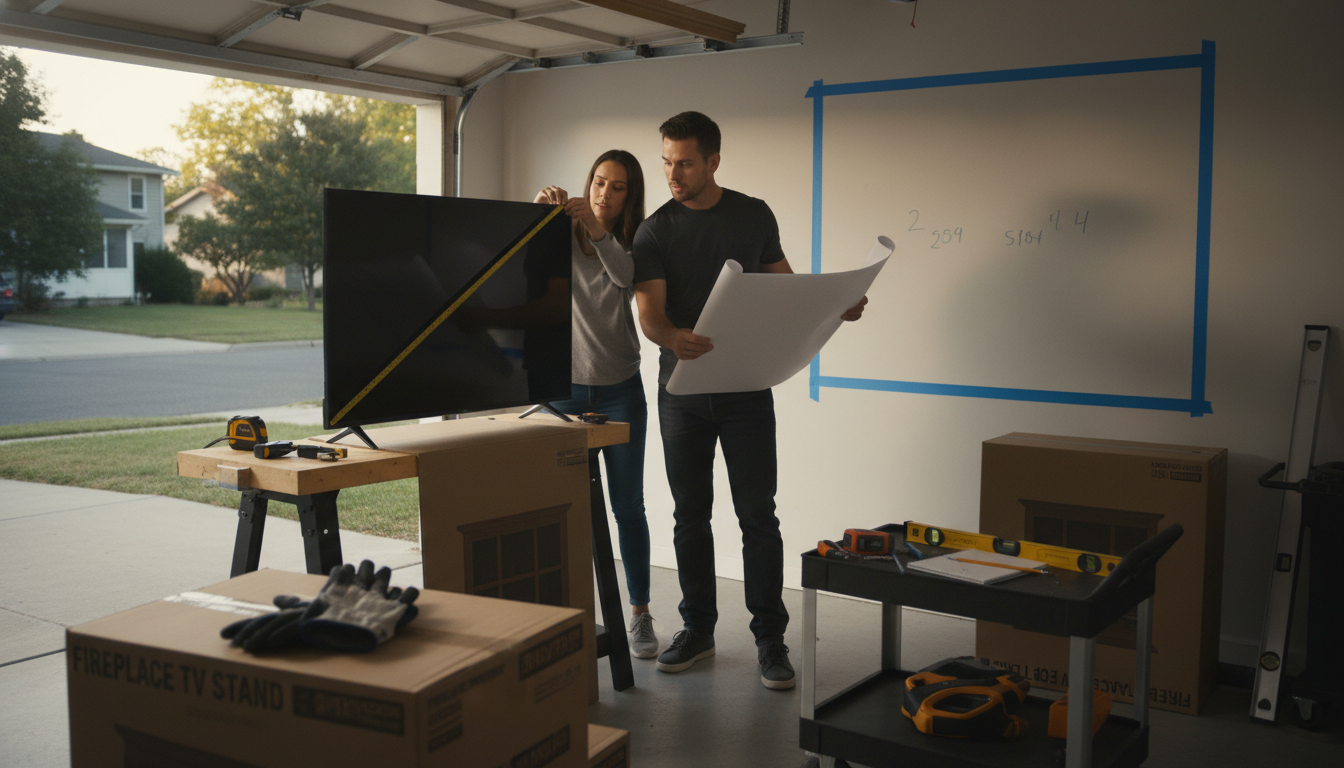
How do I measure my TV and wall space to choose the right size fireplace TV stand?
Start by measuring your TV and the wall area where the stand will sit. A few quick measurements help you avoid a setup that feels cramped, blocks walkways, or leaves your TV hanging over the edges.
1) Measure your TV the right way
Diagonal size: The “70-inch” or “80-inch” TV label is the diagonal screen measurement, corner to corner (not the width).
Actual width: Use a tape measure to find the TV’s full width across the bezel. TVs with the same diagonal can vary in width, especially with different bezel thicknesses.
Height and depth: Measure the TV’s height and depth too, especially if you’ll use the TV’s legs/feet rather than a wall mount.
2) Check your TV’s stand/leg placement
If your TV uses two separate feet, measure the distance between the outer edges of the feet. Your fireplace TV stand’s top surface must be wide enough for those feet to sit fully supported. If the TV has a center pedestal, confirm the stand is deep enough for the base.
3) Measure the wall space (width, height, and clearance)
Wall width: Measure the total width available for the stand. Leave a little breathing room on both sides so the setup doesn’t look squeezed between walls, doors, or windows.
Walkways: Measure how far the stand will project into the room. Make sure doors can open and pathways still feel comfortable.
Height: Confirm the stand height won’t push the TV too high for comfortable viewing. If you plan to mount the TV above the stand, measure the combined height so the screen doesn’t end up near the ceiling.
4) Confirm fit for a fireplace insert and power
Fireplace TV stands often need extra depth and rear space for cords. Check where outlets are located and plan for cable routing so the stand can sit flush without pinched cables.
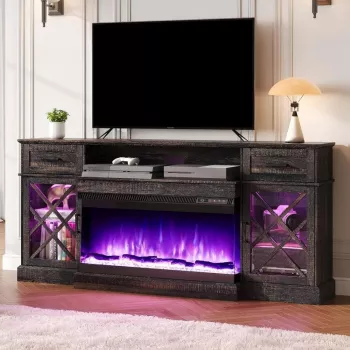
For a detailed example of sizing a larger console, see this guide: 70-inch farmhouse LED fireplace TV stand for 80-inch TVs.
FAQ
How much wider should a TV stand be than the TV?
A common rule is to choose a stand at least a few inches wider than the TV on each side for a balanced look and added stability. If your TV uses wide-set feet, prioritize foot spacing over aesthetics and ensure the top surface fully supports them.














Leave a comment